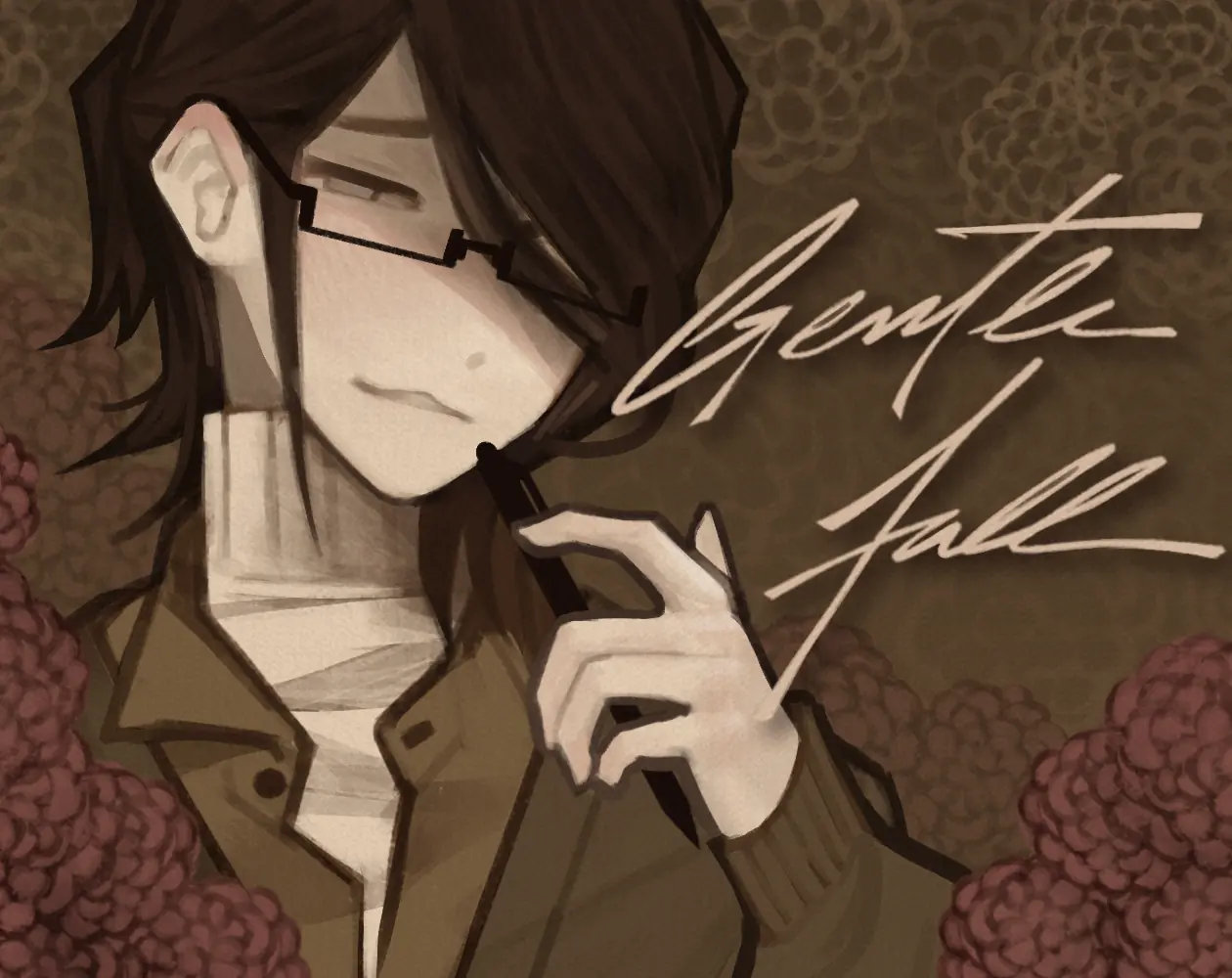
Gentle Fall
Launching Gentle Fall
Preparing the browser build...
Gentle Fall





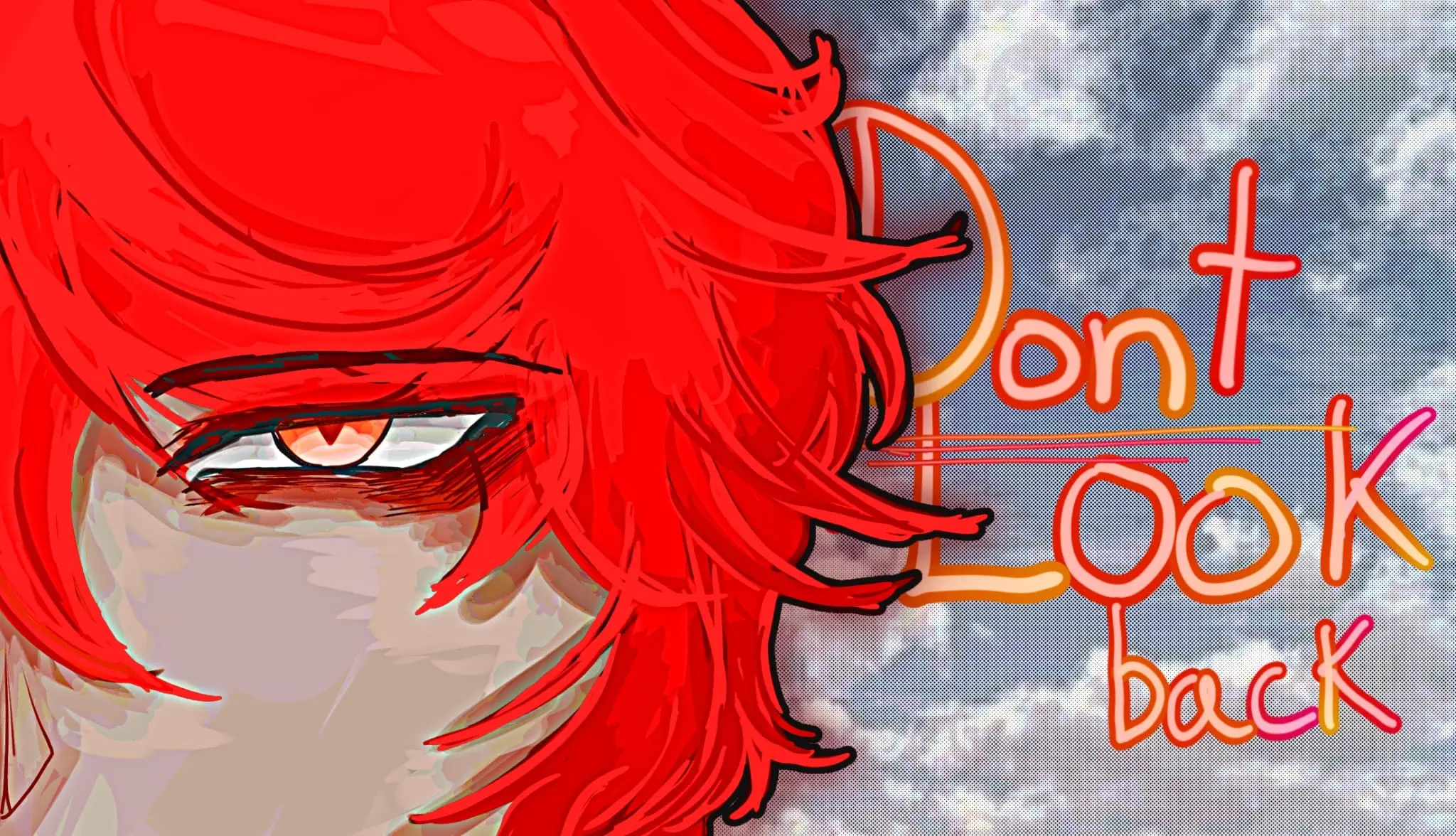
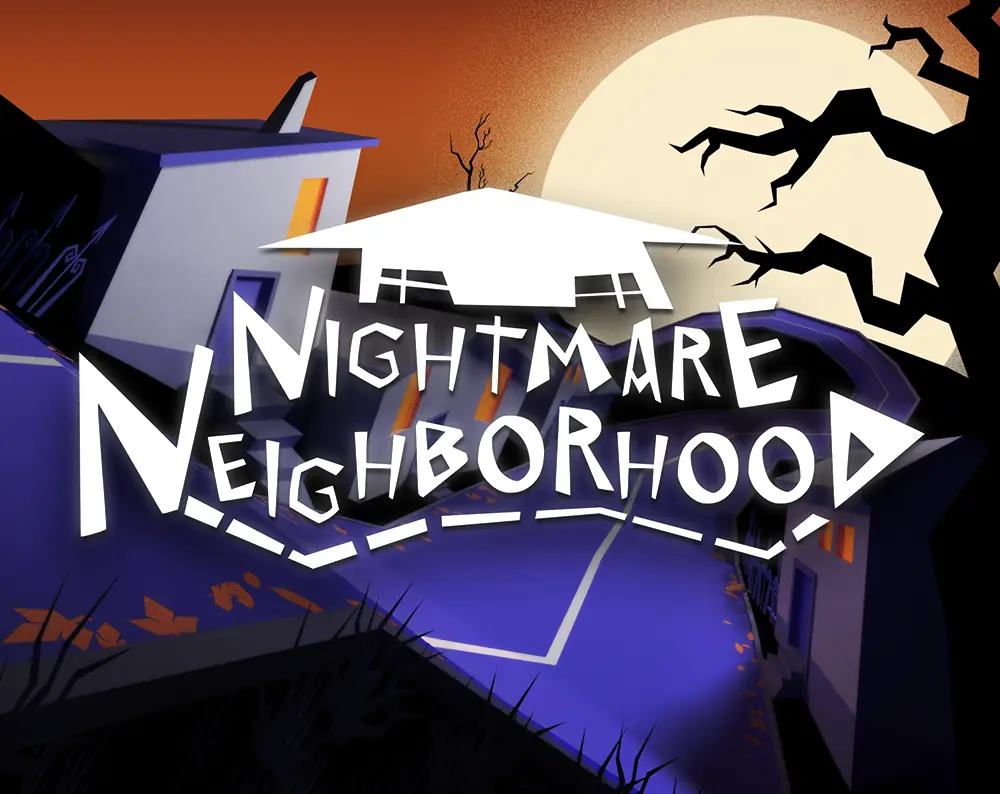
Start Gentle Fall here
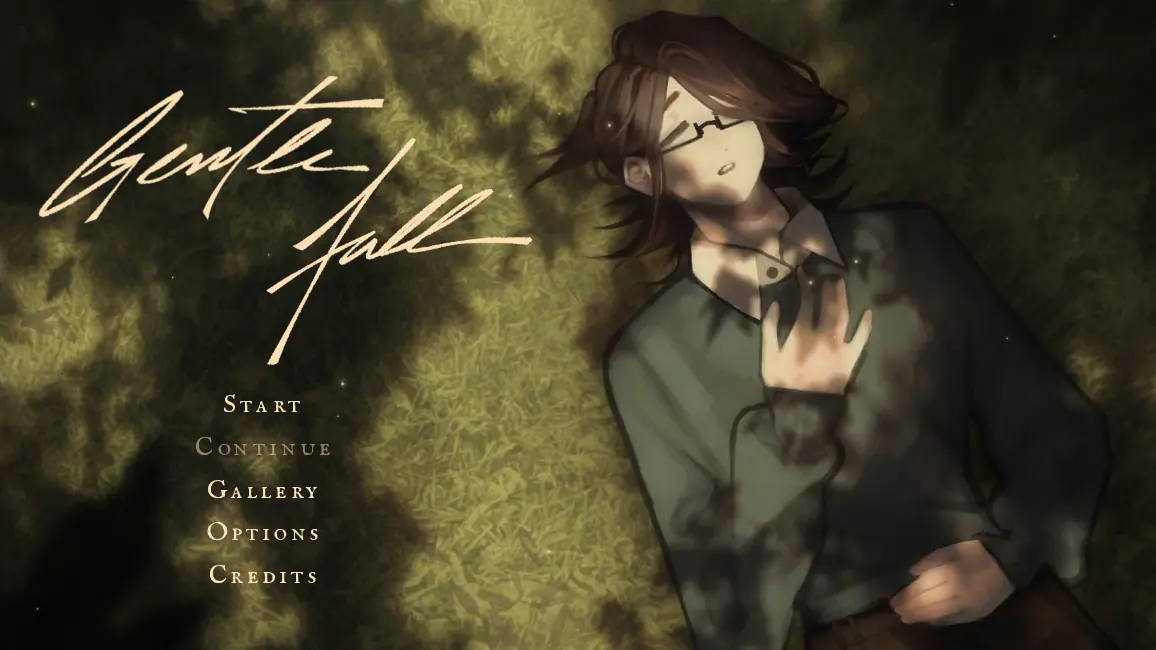
Press Play above and Gentle Fall loads inside this page as a free browser visual novel. It is a yandere otome story set over a single autumn day at university, and the build you are about to open is the newest preview, with redrawn art, a new interface and new music.
No installer, no launcher, no sign-up. The first thing the game asks for is a name to call you by, and then it gets out of your way.
What kind of story is Gentle Fall?
You play a lonely student almost a year into a degree, living a routine that has worn completely smooth: an alarm at six, the train, a coffee, class, the library, bed. The one thing that does not fit is a constant feeling of being watched. Then a tall, strangely formal classmate named Chester asks to be your lab partner, and he already seems to know a lot about you.
The tension in Gentle Fall comes from small details that are slightly off rather than from monsters or chases. It is a story about attention, and about how flattering and how frightening it can be at the same time.
Gentle Fall controls
Gentle Fall plays like any other Ren’Py visual novel. Click, tap, or press Space or Enter to advance the text. When a menu appears, pick an answer with the mouse or the keyboard. The row of buttons in the bottom right corner holds History, Skip, Auto, Quick Save and Quick Load, and the icon in the top right opens a pause menu with Save, Load, Options and, on desktop, a Controls page.
Loading, saving and full screen
The first launch has to download the artwork and music, so a dark screen for a few seconds is normal on a slower connection. Give it a moment before refreshing. Afterwards your browser caches most of the files and later visits start faster.
Saves live in your browser rather than on our server. They survive closing the tab, but clearing site data or playing in a private window wipes them, and a save made on one device will not appear on another. For the best presentation, switch to full screen with the button on the player.
Playing on a phone
Gentle Fall runs in mobile browsers, and tapping moves the story forward. The interface was designed for a wide screen, though, so turn your phone sideways. A tablet or a laptop is more comfortable, especially for the small History and Quick Save buttons.
How long is Gentle Fall?
The current Gentle Fall preview is short, roughly twenty minutes for one read-through. It ends with an end-of-preview message after the first day, because the remake of Gentle Fall is still being built one chapter at a time. Your answers along the way (personality, height, a coffee order, a first impression of Chester) change individual lines rather than the conclusion, so a second pass goes quickly with Skip turned on.
Content notes
A warning screen appears the first time the game starts and never again, so read it properly. Expect minor jumpscares, panic attacks and mentions of pet death alongside stalking, non-consensual drug use and psychological abuse; the full project also deals with suicide and self-harm. The preview itself mostly builds unease, but Gentle Fall is written for mature players.
Unofficial fan page
This is an unofficial fan page that brings the browser build, screenshots and gameplay videos together in one place. The characters, writing, art and music of Gentle Fall belong to their creator, and we are not affiliated with the development of the game.
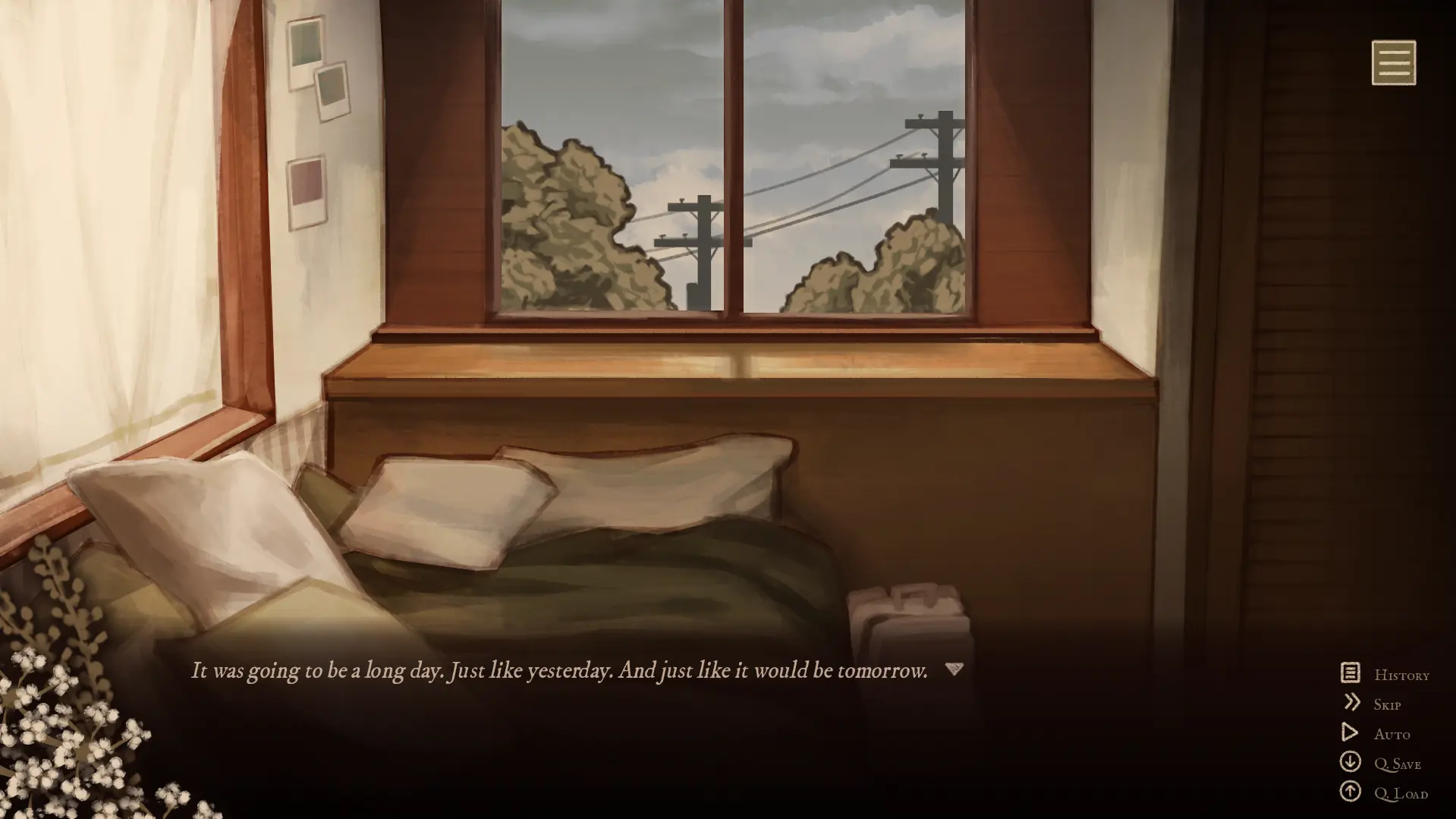
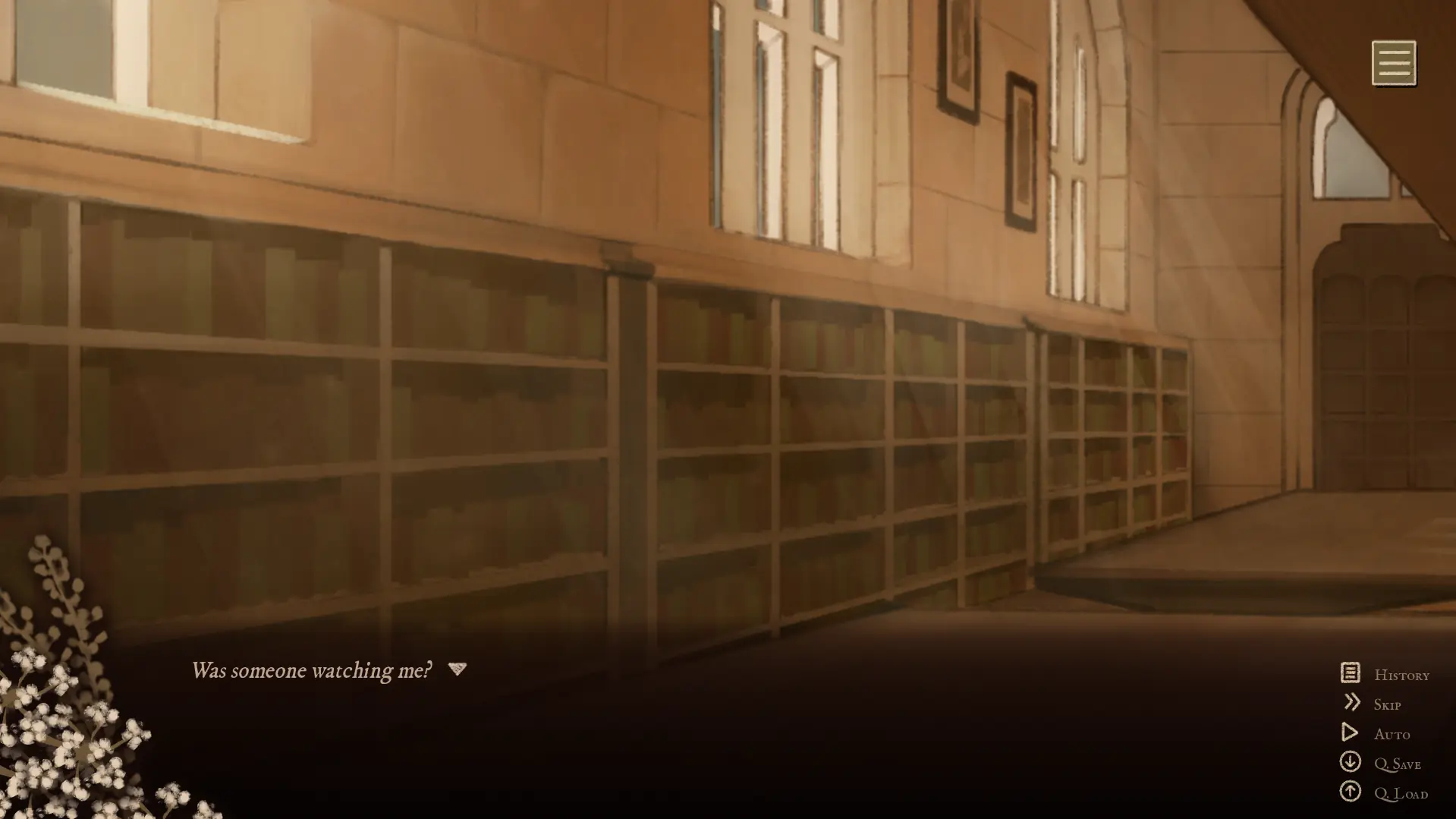
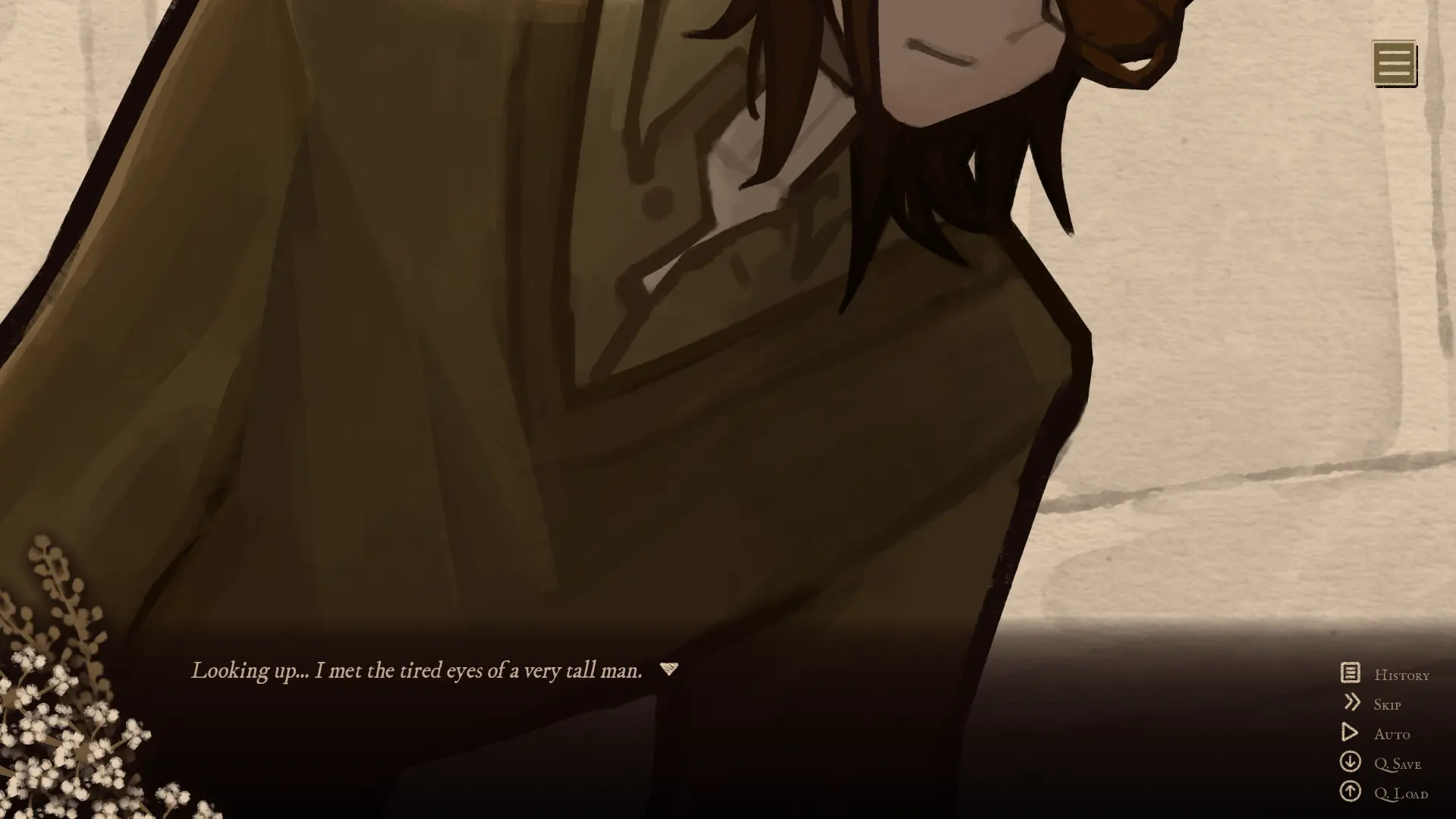
Gentle Fall Screenshots
Gentle Fall Videos
Gentle Fall FAQ
Can I play Gentle Fall online here?
Yes. Press Play at the top of the page and the game runs in this tab. There is nothing to download and no account to make.
Is Gentle Fall free?
Yes, the browser version is free to play. All you need is a current browser such as Chrome, Firefox, Edge or Safari.
Why is the screen dark when it first loads?
The game downloads its artwork and music before the title screen appears. On a slow connection that can take a little while, so wait before refreshing. Later visits load faster because the browser keeps the files.
Where are my saves kept?
In your browser's storage on this device. They stay after you close the tab, but clearing site data or using a private window removes them, and they do not sync between devices.
Does it work on mobile?
Yes. Tap to advance and hold the phone in landscape. The interface was made for wide screens, so a tablet or laptop is more comfortable.
Is this the full game?
No. It is a preview of a remake that is still in development, covering the first day of the story. It ends with an end-of-preview message, and more chapters are planned.
Is it scary?
It is more unsettling than frightening. Most of the tension comes from being watched and from small details that are slightly wrong, with only minor jumpscares, but the themes are mature.