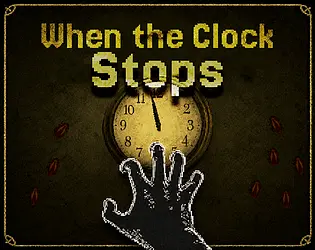
When the Clock Stops
Launching When the Clock Stops
Preparing the browser build...
When the Clock Stops













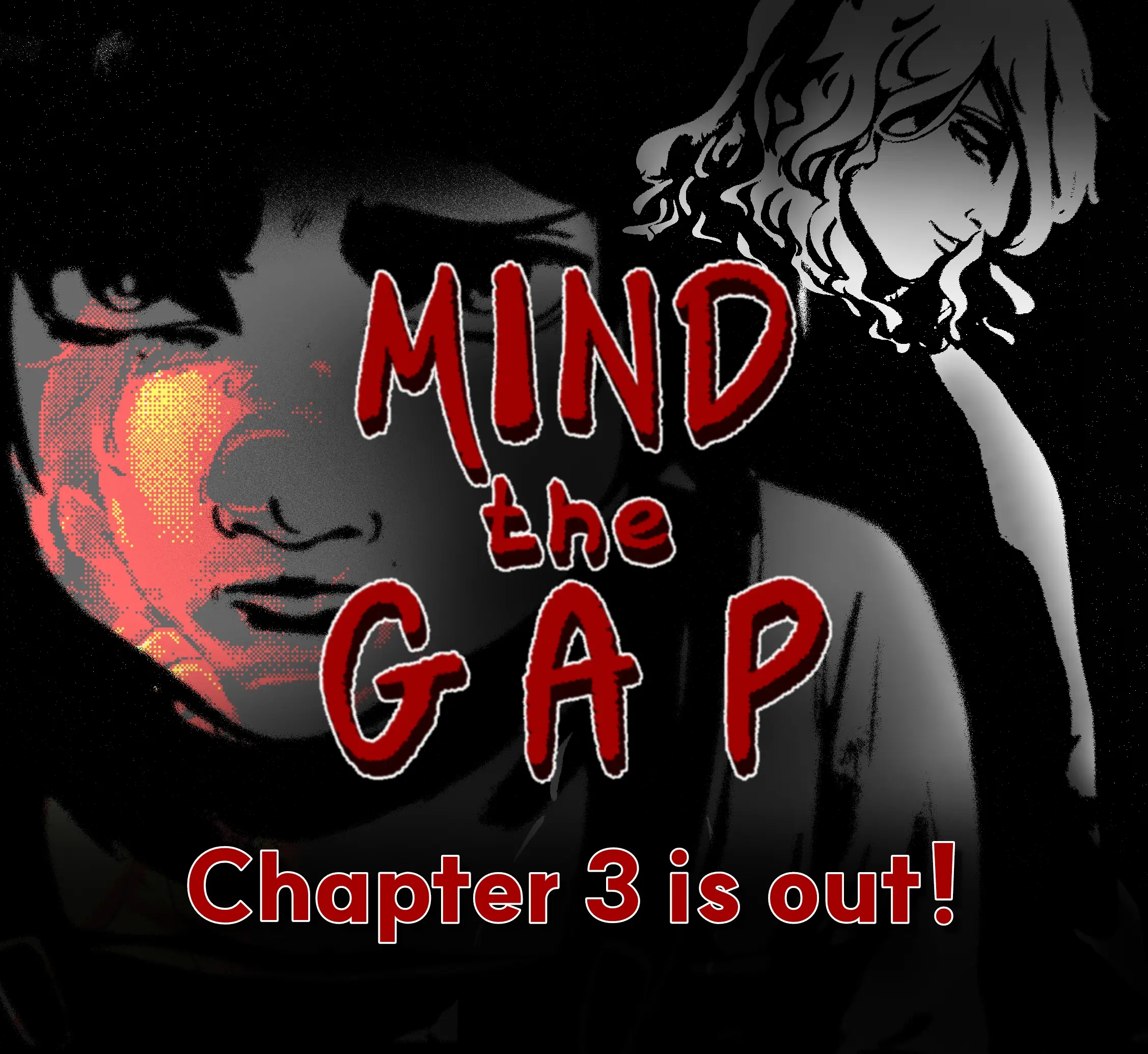








Play When the Clock Stops Online
When the Clock Stops drops you into a basement where the rules are simple, cruel, and impossible to ignore. You are not exploring a haunted mansion or fighting through a long campaign. You are trapped in one bad place with a ticking clock, a floor that hides something hungry, and a desperate routine that has to keep working. Catch insects, pile them where they need to go, and do not let the silence arrive before you are ready.
This page lets you play When the Clock Stops directly in the browser. Press Play, wait for the embedded build to load, and use the player controls above for fullscreen or a more focused view. The game works best when you treat every minute as useful. The basement is dark, the creature below is patient, and the clock is the only warning that still feels honest.
What the Game Is About
The pressure comes from a loop that sounds almost manageable until you are inside it. Insects crawl through the room. You need to catch them, carry them, and build enough of a supply to satisfy the pit below the floor. That pile is not just an objective marker. It is your food chain, your bank account, and your excuse to keep breathing for another cycle.
The horror is not built only on what you see. It is built on what you hear and what you are counting. A moving clock can feel like safety because at least time is still behaving. When the mechanism slows and the ticking disappears, the basement changes meaning. The game turns that missing sound into a threat, so silence becomes heavier than a scream.
How the Game Plays
This is a first-person survival horror game with resource collection and upgrade pressure. You move through a compact 3D space, search corners for insects, grab or catch what you can, then throw or place them where they help most. The controls are immediate, but the challenge is managing attention. Looking for one more bug can be useful, but staying out too long can leave you unprepared for the next stop.
The upgrade layer gives the game its longer rhythm. You spend what you gather on small advantages that can slow the pressure, improve your routine, or make the next cycle easier to handle. None of those upgrades remove the fear. They only buy space for better decisions. In When the Clock Stops, survival is less about becoming powerful and more about making the basement slightly less unfair.
Controls and First Run Tips
Use W/A/S/D to move, Space to jump, Left Click to pick up or catch, Right Click to throw, C to crouch, and Esc to pause. Those controls are simple enough to learn quickly, but the room can still overwhelm you if you rush. Start by learning where insects tend to appear and how long it takes to move between the pile, the corners, and any upgrade point.
On your first run, do not chase every insect blindly. Build a route. Check the closest areas first, return before the clock becomes a problem, and avoid wasting throws when you are under pressure. If the pit opens, your old plan may stop mattering for a moment. Reset your position, listen for the next cycle, and spend upgrades only when they support the routine you already understand.
Clock Pressure and Upgrades
The title When the Clock Stops is a warning about the game’s real enemy: timing. The thing below the floor is frightening, but the countdown is what controls your behavior. The more you respect the rhythm, the more the basement feels readable. The more you ignore it, the faster a simple collection task becomes panic.
Upgrades are useful because they make time feel negotiable. A small improvement can turn a sloppy run into a survivable one, but it can also tempt you to take risks that are not worth it. The best approach is to buy upgrades that reduce repeated mistakes. If you keep arriving late, prioritize anything that gives you more breathing room. If you lose insects during throws, focus on making your handling cleaner before pushing deeper into the cycle.
Atmosphere and Style
When the Clock Stops uses retro 3D horror to make the basement feel physical and grimy. The low-fi look helps because it leaves space for imagination. Corners feel rough. Objects feel heavy. The room seems understandable, but never comfortable. Instead of throwing constant surprises at you, the game lets the routine itself become unsettling.
That is why the game can feel tense even when you know what to do. You may understand the controls, the insects, and the upgrade loop, but the ticking still gets under your skin. When the Clock Stops takes a small task and makes it feel like a contract with something that will not forgive late payment.
Browser Notes
When the Clock Stops should be played on a desktop or laptop browser with a mouse and keyboard. The first-person controls depend on movement, aiming, clicking, throwing, and quick camera adjustments, so touch screens may be awkward even if the page loads. If the frame appears black, wait a moment, refresh, and check whether extensions are blocking embedded games.
Because progress and settings may depend on browser storage, avoid clearing site data during a run unless you are comfortable starting over. If performance feels uneven, close other heavy tabs and try fullscreen. This browser version is convenient for quick play, but downloadable builds may behave differently depending on your machine.
Credits and Disclaimer
This When the Clock Stops page is an unofficial browser-play page for the embedded build and is not presented as an official developer site. Game code, art, audio, characters, and related assets belong to their respective creator or rights holder.
The goal here is simple: make When the Clock Stops easy to launch, explain the core loop clearly, and help players understand the controls before the first clock cycle goes wrong. Start with the basics, respect the timer, and remember that silence is the moment you were preparing for.
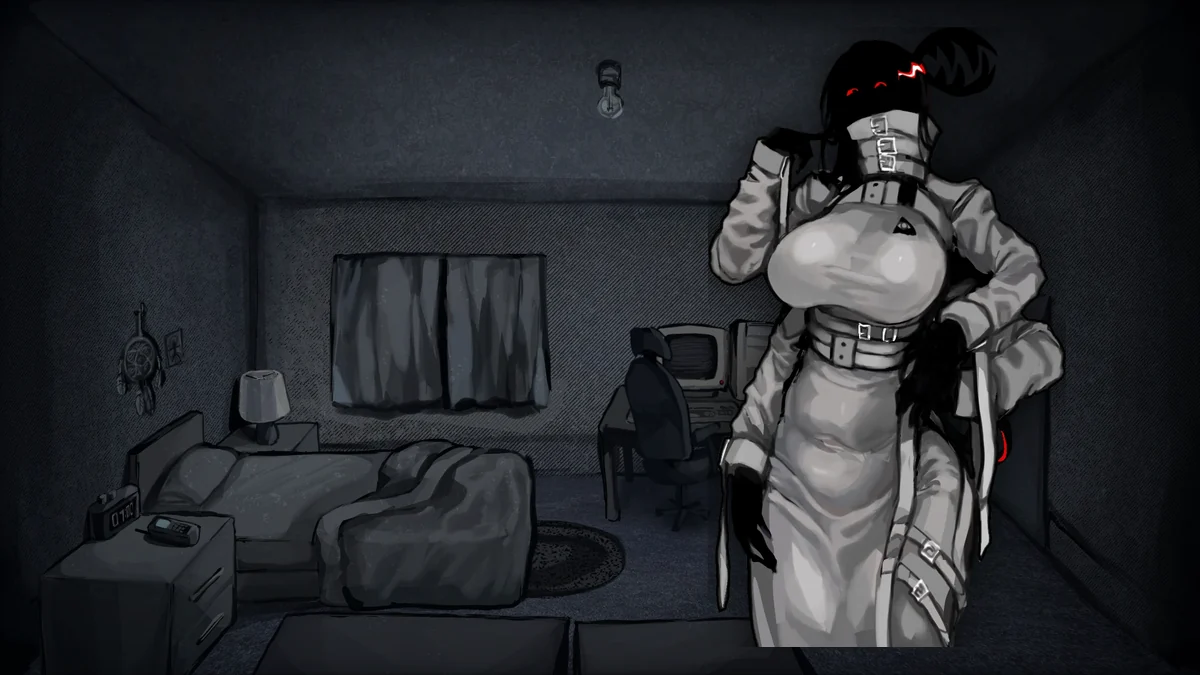
When the Clock Stops Screenshots
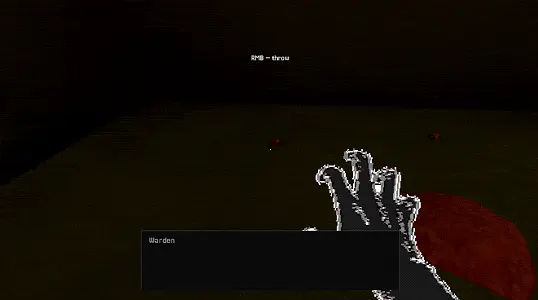
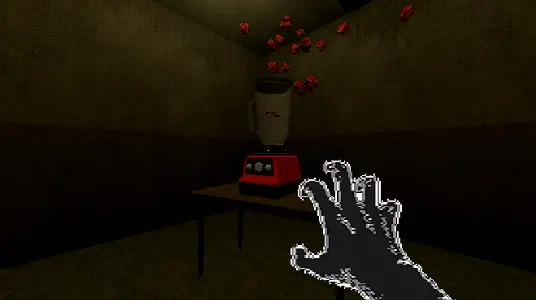
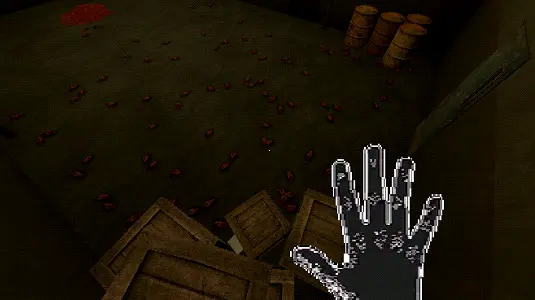
When the Clock Stops FAQ
What is When the Clock Stops?
When the Clock Stops is a first-person horror survival game about staying alive in a basement by collecting insects, feeding the pit below, and using upgrades to delay the next crisis.
Can I play When the Clock Stops online here?
Yes. Press Play now to launch When the Clock Stops through the embedded browser player on this page.
What are the controls for When the Clock Stops?
Move with W/A/S/D, jump with Space, catch or pick up with Left Click, throw with Right Click, crouch with C, and pause with Esc.
Is When the Clock Stops a survival horror game?
Yes. It mixes basement horror, retro 3D presentation, resource pressure, and incremental upgrades around a clock that signals when the danger below returns.
What should I do if When the Clock Stops does not load?
Give the embedded build a few seconds, refresh the page, and check whether browser privacy tools are blocking scripts, storage, or third-party frames.